
Video Editing Essentials: Why Professional Headphones are 50% of Your Video Quality
When we talk about "video editing," the first things that come to mind are vibrant colors, smooth transitions, and striking visual effects. However, in the world of professional digital media, there is a golden rule known by top directors and content creators: "Audio represents 50% of the viewing experience."
Even if your footage is shot in stunning 4K or 8K, poor or unbalanced audio will drive viewers away instantly. This is where the unsung hero of the editing studio comes into play: Professional Studio Headphones. In this comprehensive guide from AskMonther, we will dive deep into the technical importance of these headphones, the crucial terms you must know before buying, and how to choose the perfect pair for your needs.
1. Why Commercial or Gaming Headphones Aren't Enough for Editing
Commercial headphones (such as Beats or gaming headsets) are specifically engineered to boost and color the sound to make it more exciting and pleasant for the average consumer. They typically hype the low frequencies (Bass) and alter the high frequencies (Treble).
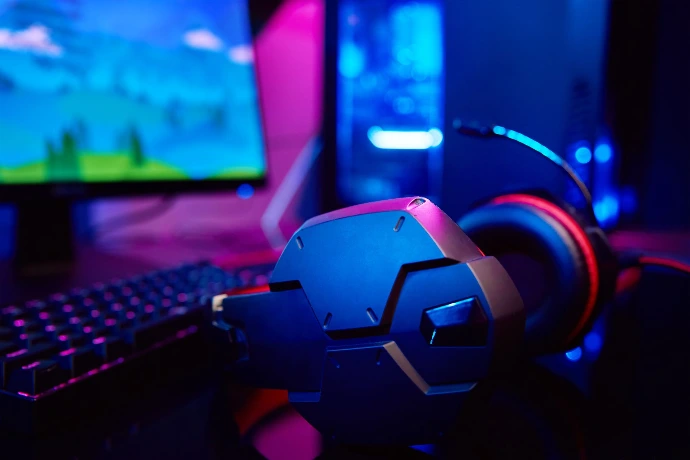
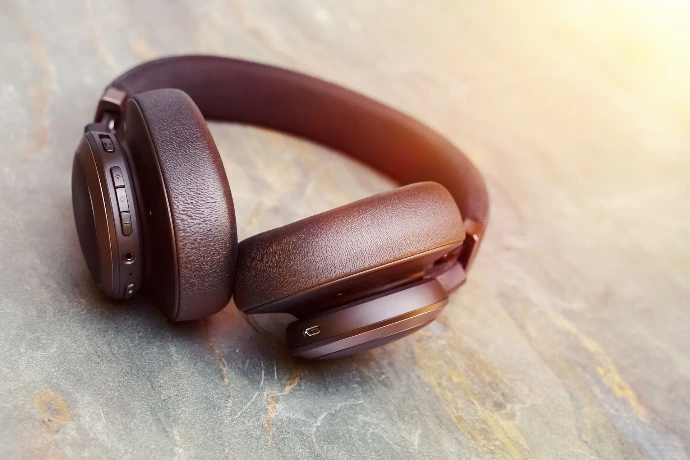
If you edit and mix your audio using these headphones, you will be making adjustments based on a "false distortion" provided by the headset. The result? When your client or audience listens to the video on their smartphones, in cars, or on TV speakers, the audio will sound muddy, hollow, or completely unbalanced.
The Golden Rule: Commercial headphones beautify the sound and hide its flaws, whereas professional studio headphones expose raw mistakes so you can fix them.
2. Key Terms and Technologies (Your Pre-Purchase Guide)
Walking into an audio gear store without understanding technical specifications can lead to purchasing a headphone that either doesn't suit your workflow or cannot run efficiently on your device. Here are the three most important technical concepts you need to understand:
A. Dynamic Drivers
When you read that a headphone uses Dynamic Drivers, it refers to the internal technology used to generate sound.
How it works: It utilizes a magnet and a voice coil to move a micro-thin diaphragm, creating the sound waves you hear.
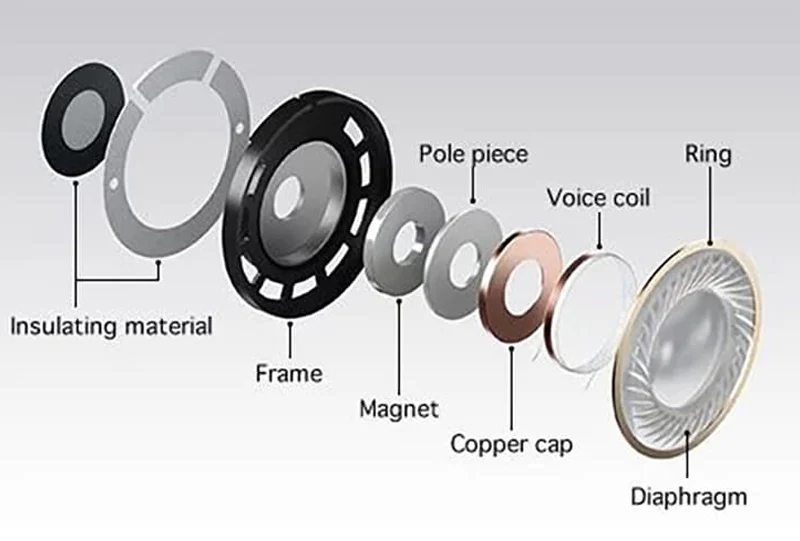
Why it's best for editing: It is the most reliable and widely used technology in the industry. Dynamic drivers cover a massive frequency range (from deep bass to crisp highs) with high efficiency and reasonable costs, making them the ultimate practical choice for video editors and digital media creators.
B. Impedance (Measured in Ohms)
Impedance is simply the measure of how much electrical resistance the headphones present to the audio signal coming from your device. Understanding this number dictates how you power your headphones:
Low Impedance 16 to 80 Ohms: These require very little power to deliver high, clear volume. They are ideal for editors who are constantly on the go and plug directly into a laptop, iPad, or smartphone without extra gear.
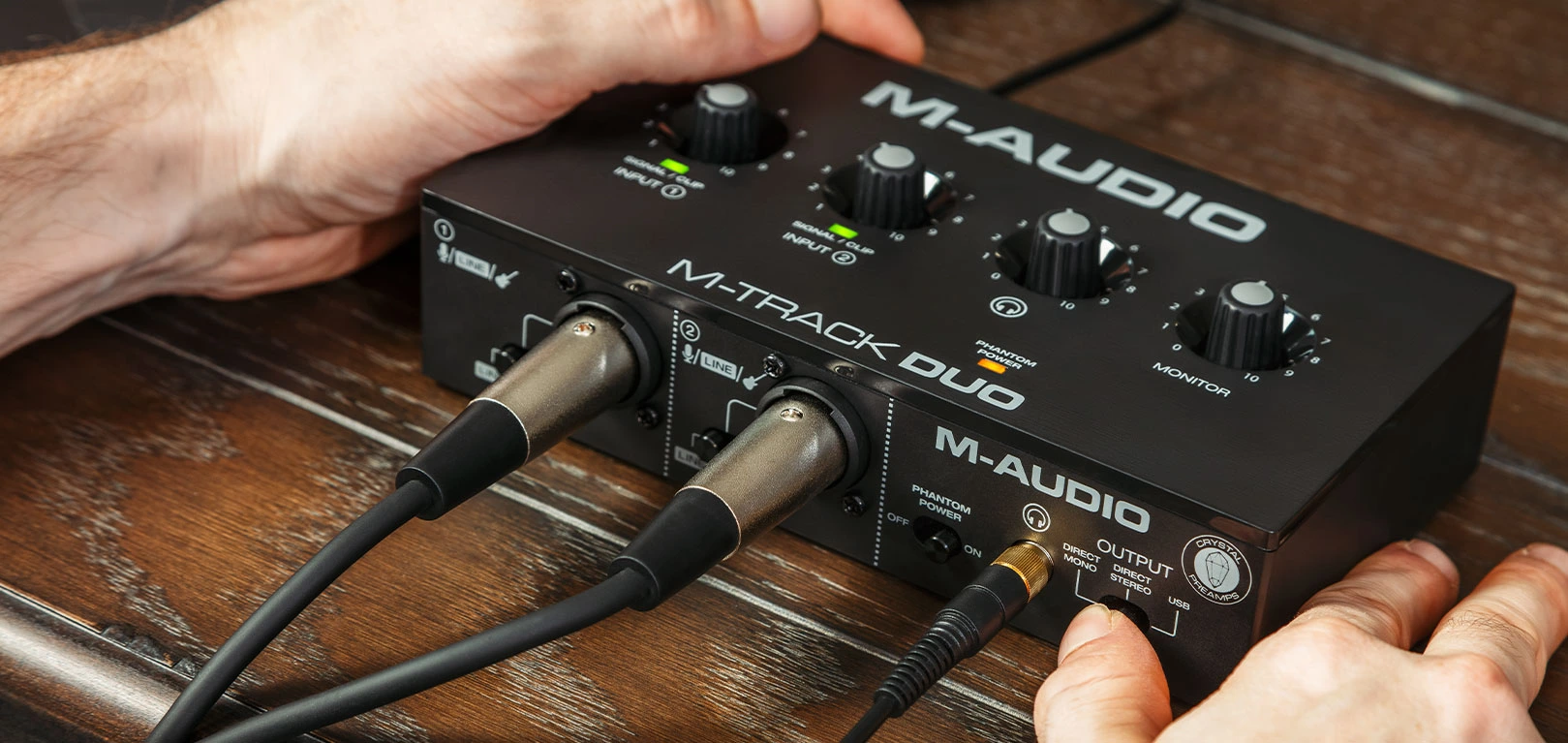
High Impedance 150 to 250 Ohms: These require a powerful, stable electrical current to drive their internal voice coils accurately. If plugged directly into a standard laptop, the sound will be extremely quiet, muffled, and lacking detail. Therefore, they require an Audio Interface or a Headphone Amplifier to deliver pristine, hiss-free audio.
C. Reference Sound (Studio Monitors)
If you see the word Reference or Monitor on a headphone box, it is not a marketing gimmick; it is a job certification.
What does it mean? It means the headphones are engineered to deliver an "honest, uncolored reference" of the audio without any "makeup." It plays raw sound exactly as it was recorded. If the recording is bad, you will hear it bad (so you can fix it); if it is excellent, you will hear it perfectly.
Why it matters to a video editor: It guarantees that your final audio mix will sound balanced, correct, and comfortable to the listener's ear across all playback devices (earbuds, phones, TVs).
3. Structural Design: Open-Back vs. Closed-Back
The physical design of professional studio headphones falls into two major categories that completely change the editing experience:
Closed-Back Headphones: These completely seal the ear to block external noise and prevent audio from leaking out. They are excellent if you work in noisy environments or record voiceovers yourself, as they prevent your microphone from picking up the headphone bleed.
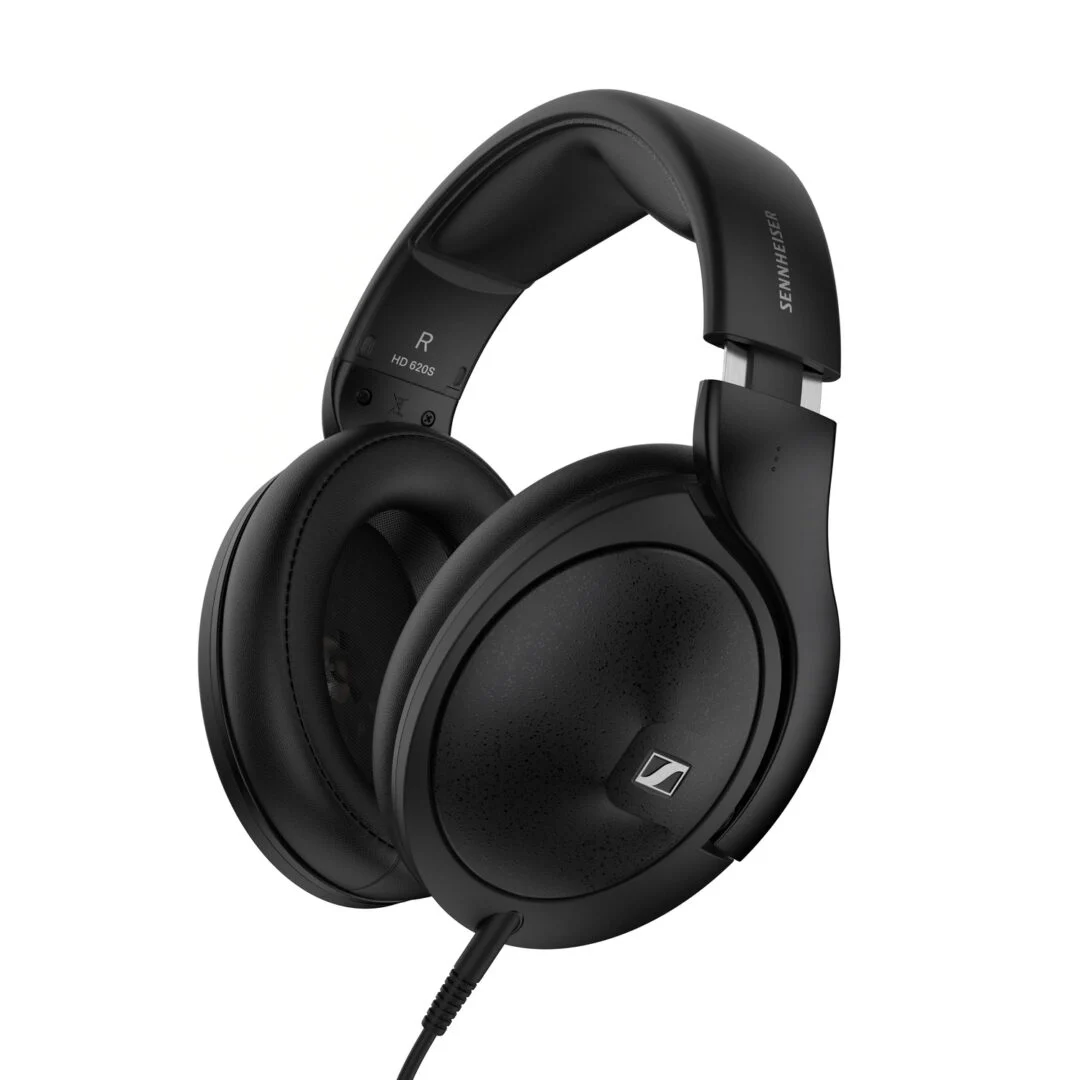
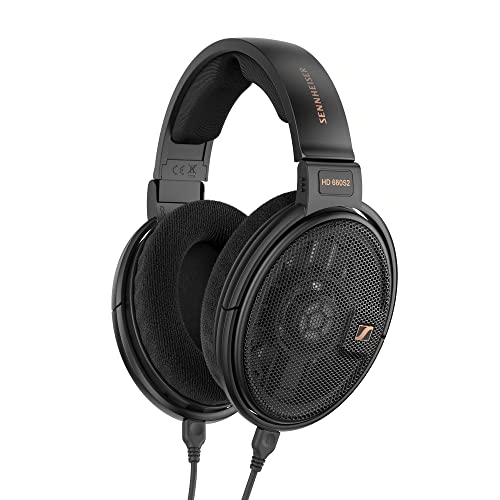
Open-Back Headphones: These feature earcups with vents or grills that allow air and sound to pass through. They provide a highly realistic, spacious sound (Soundstage) and are much more comfortable for long editing sessions. However, they leak sound out and let ambient room noise in, requiring a very quiet studio room.
4. How to Choose the Best Match for You (A Quick Guide)
To simplify your buying decision, you can easily identify the perfect pair of headphones by answering three simple questions about your workflow and setup:
Consider Your Workspace:
If you work in a shared office or a noisy environment: Choose Closed-Back headphones. They provide excellent passive noise isolation and prevent your audio from leaking out to people around you.
If you work in a quiet, private home studio: Choose Open-Back headphones. They offer a much more realistic, spacious soundstage that is highly accurate for mixing.
Check Your Audio Source (Device Type):
If you plug directly into a laptop, tablet, or phone: Choose headphones with Low Impedance (between 16 and 80 Ohms). They require very little power to deliver a loud and punchy sound without extra gear.
If you use a dedicated studio setup with an Audio Interface: Choose headphones with High Impedance (such as 250 Ohms or more). This allows you to capture the absolute micro-details of your audio with maximum professional clarity.
Never Compromise on Comfort and Weight:
Video editing often demands long hours of continuous work. Look for lightweight headphones and ensure the ear cups are made of soft velour or high-quality plush leather to avoid ear fatigue and head pressure.
5. Industry-Standard Recommendations for Digital Media
Based on professional workflows and what we highly recommend in our training courses, here are the most reliable headphones available in the market, tailored to your budget and needs:
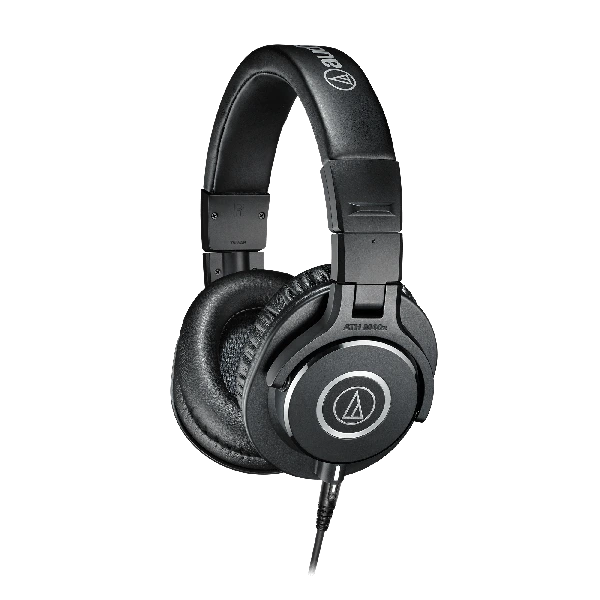
Audio-Technica ATH-M50x (The Best Budget, Closed-Back Option):
Widely recognized as the "industry standard" for video editors and content creators globally. Featuring a closed-back design that efficiently isolates external noise, it delivers an incredibly balanced and neutral sound profile. Its competitive price point makes it an exceptional choice for both beginners and pros, plus it runs flawlessly directly from your laptop.
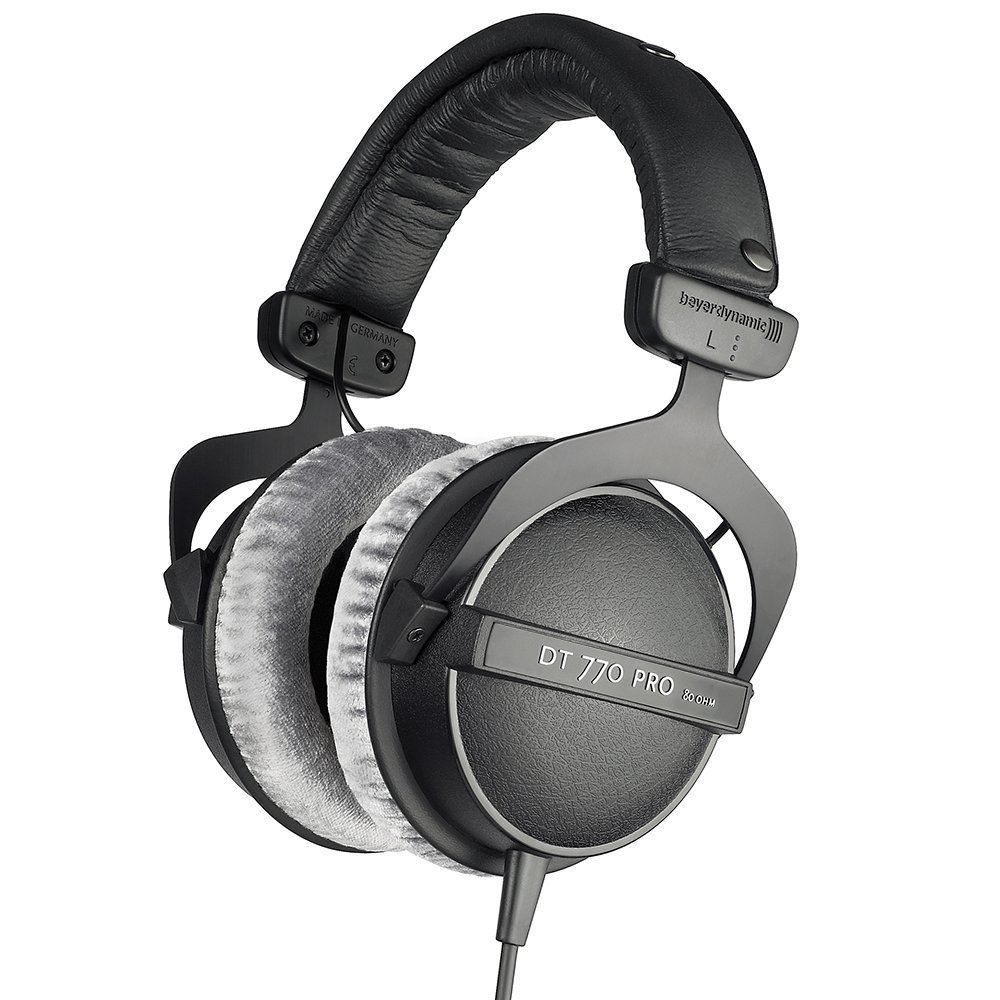
Beyerdynamic DT 770 Pro (The Most Comfortable, Closed-Back Option):
If your editing sessions last for hours on end, this is your perfect match. These legendary German-engineered headphones stand out with their ultra-plush velour ear pads and outstanding acoustic isolation. They offer spectacular detail for sound design and come in various impedance versions (like 80 Ohms for direct mobile use or 250 Ohms for dedicated studio environments).
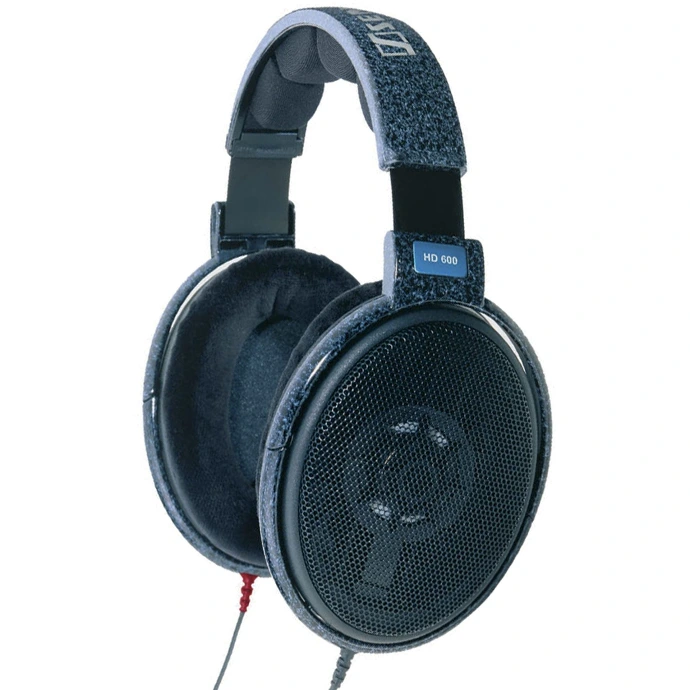
Sennheiser HD 600 (The Ultimate High-End, Open-Back Option):
If you operate in a quiet studio space and demand the absolute pinnacle of audio fidelity, these legendary open-back headphones are unmatched. They provide an incredible soundstage, making you feel the depth and placement of every sound layer as if you were in a cinema. It is the ultimate tool for high-end mixing and mastering; however, they sit in a premium price bracket and require an audio interface or amplifier to unleash their full potential.
Conclusion
Investing in professional studio headphones is not a luxury; it is a direct investment in the quality of the digital content you deliver to your clients. As a video editor or content creator, your ears are your ultimate guide. Equipping them with the right tools is what separates amateur work from a truly professional production.
If you want to master video editing and audio engineering through practical, hands-on training, explore our live courses at AskMonther.com.
Let us know in the comments: What headphones are you currently using for your media projects?